

Software Alternative to AI Macro Keyboards
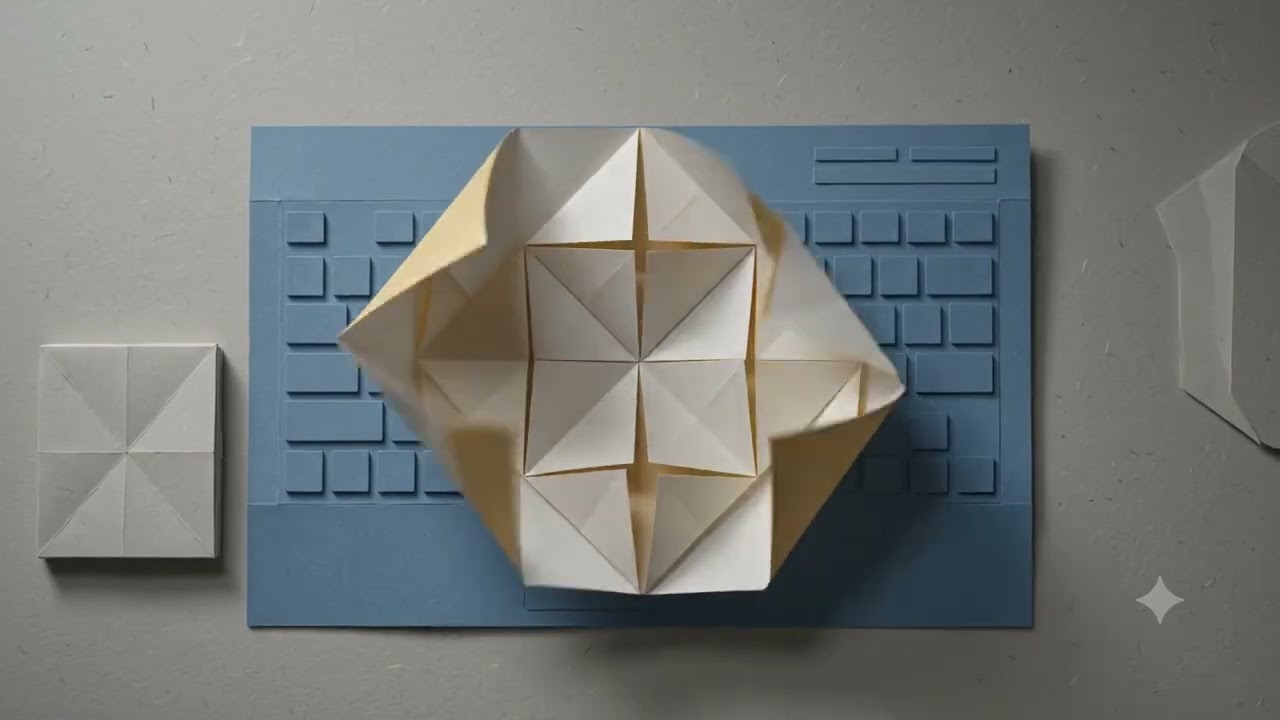
AI macro keyboards promise faster agent workflows: dedicated Accept, Reject, Send, and voice keys so you never hunt for chords. The catch is another device to buy, carry, and configure.
There is a cleaner path: a software alternative to AI macro keyboards that turns your existing keyboard into an AI control surface on demand.
The problem with dedicated AI pads
Hardware pads solve a real pain — agent actions are buried in chords — but they add friction of their own:
- Upfront cost and shipping
- Desk space and travel bulk
- Layouts that don’t match every AI tool you use
- Firmware and app updates separate from your editor
If you mainly need agent control while coding, you may not need a second keyboard at all.
The software approach: an AI keyboard layer
Devdesk is a universal AI keyboard layer. One hotkey enters AI mode; while that mode is active, keys remap for the current preset (Cursor, Claude Code, or Codex). Leave AI mode and your keyboard behaves normally again.
That is the core idea behind a software macro keyboard: remaps are contextual, not permanent.
What you get without hardware
In Devdesk AI mode (Ctrl+Shift+Space):
| Key | Action |
|---|---|
| Hold Space | App voice hotkey from the active preset (Cursor: Ctrl+M) |
| A | Accept |
| R | Reject |
| Enter | Send |
| N | New agent |
Unmapped keys and modifier chords still pass through. A short Space tap still types a space. Esc (or the toggle again) exits AI mode. A bottom-center pill shows AI MODE · … so you always know you’re remapped.
Hold Space does not send audio to a cloud STT service for that path — it injects the tool’s own voice chord.
When software is enough
Choose a software AI keyboard layer if you:
- Want Accept / Reject / Send / voice without buying a pad
- Switch between Cursor, Claude Code, and Codex
- Prefer a tray utility over another peripheral
- Need remaps only while working with an agent
When hardware still wins
Keep (or buy) a physical macro pad if you:
- Need buttons you can hit without looking, every day
- Drive many apps beyond AI agents from one deck
- Prefer tactile feedback over a mode toggle
Both can coexist. Many developers start with software and only add hardware if muscle memory demands it.
Getting started
- Download Devdesk for Windows (macOS Homebrew coming soon)
- Pick a preset: Cursor, Claude Code, or Codex
- Press Ctrl+Shift+Space to enter AI mode
- Try Accept (
A), Reject (R), Send (Enter), and Hold Space for voice
Step-by-step: How to start with Devdesk. Comparing to Micropad-style hardware: Devdesk vs Codex Micropad.
Bottom line
You do not need an AI macro keyboard to control coding agents. A software AI keyboard layer like Devdesk remaps the keys you already know — only when AI mode is on — so you stay in flow without another device.
Ready for your AI keyboard layer?